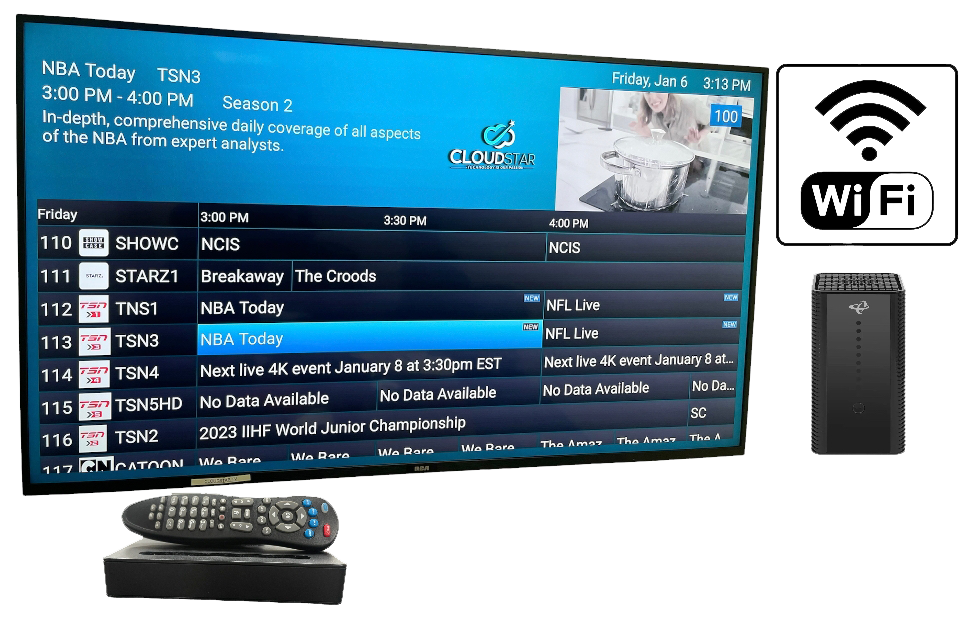
Choose the package that fits your home and viewing needs.
Enjoy news, sports, family shows and everyday entertainment.
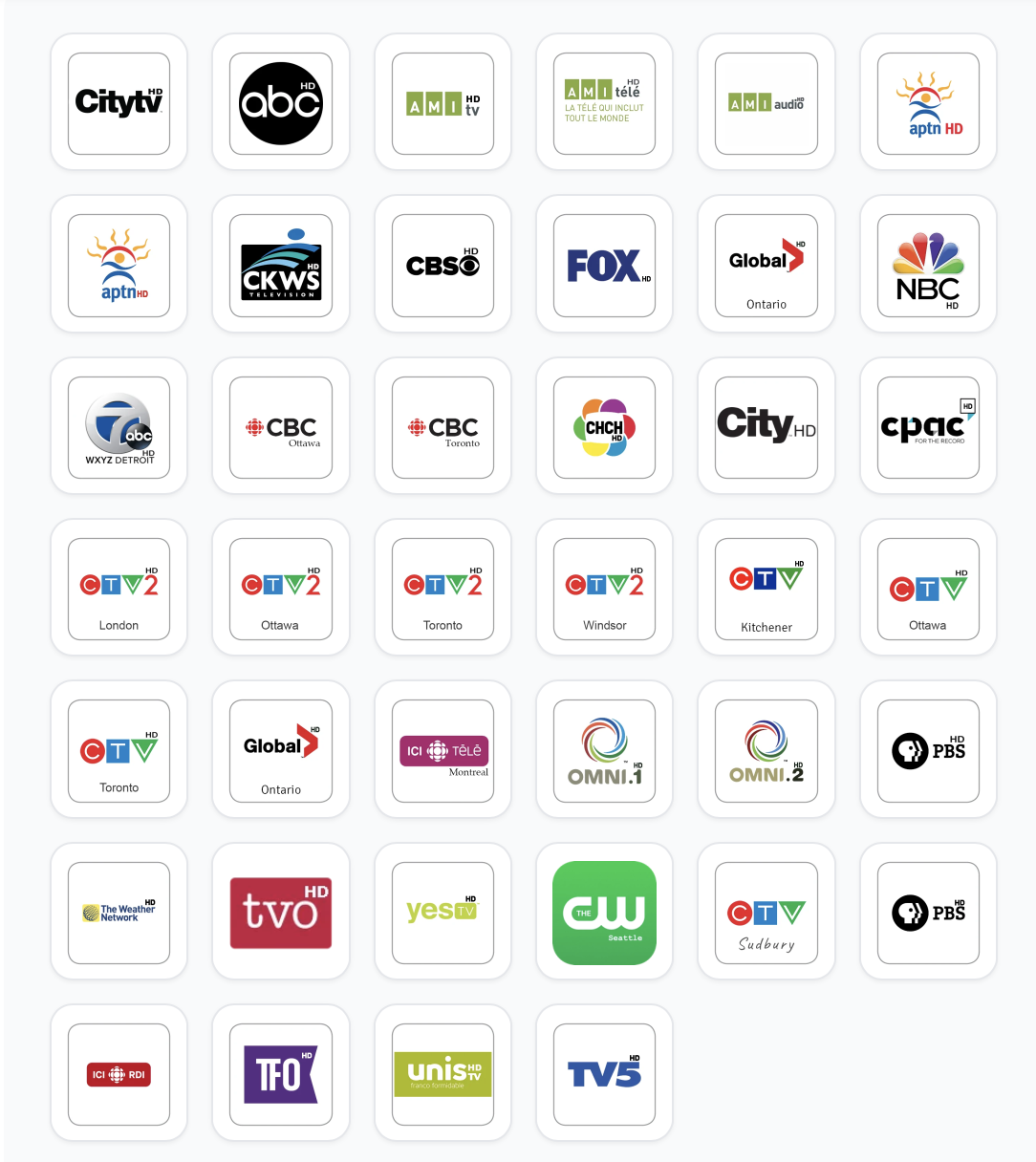
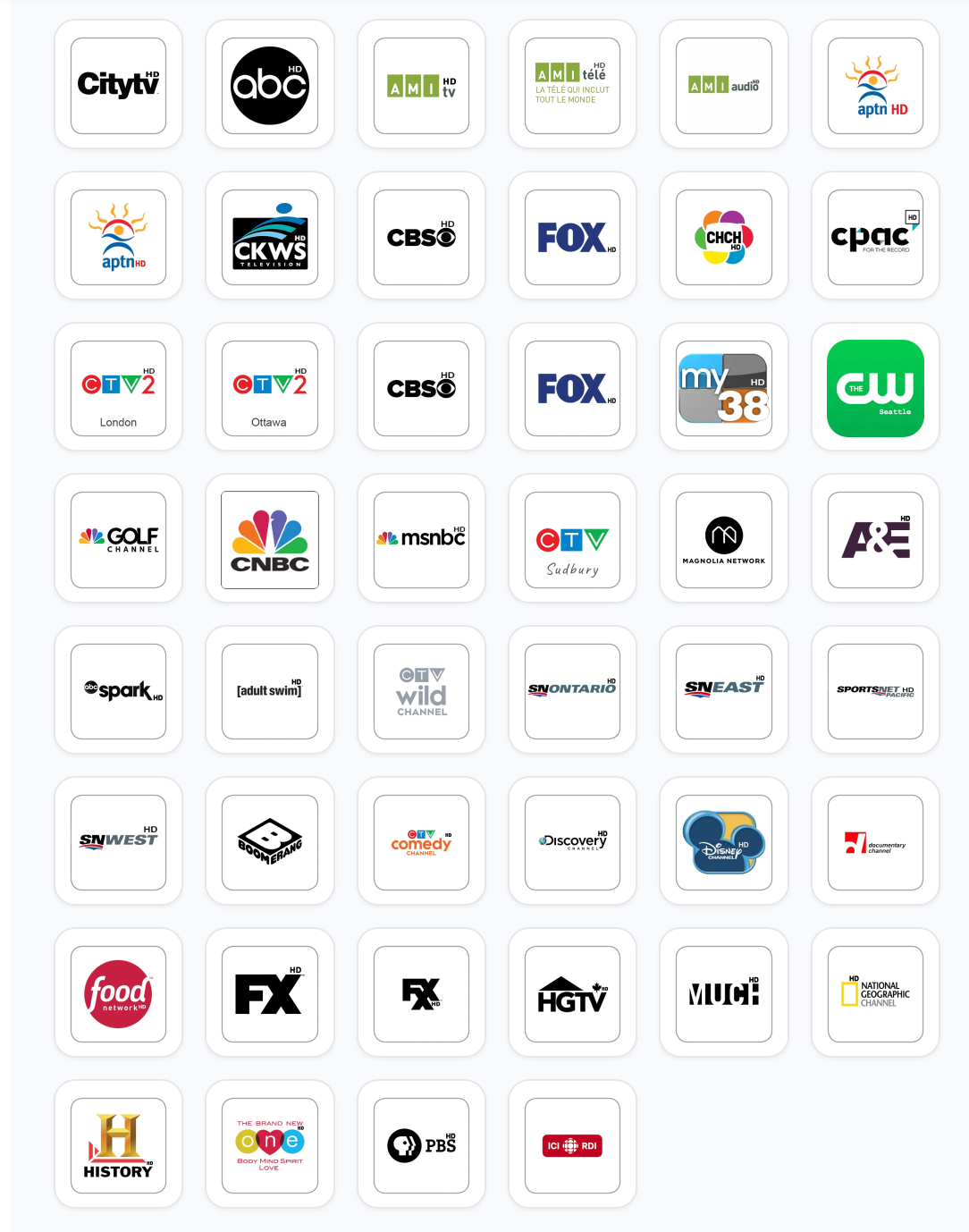
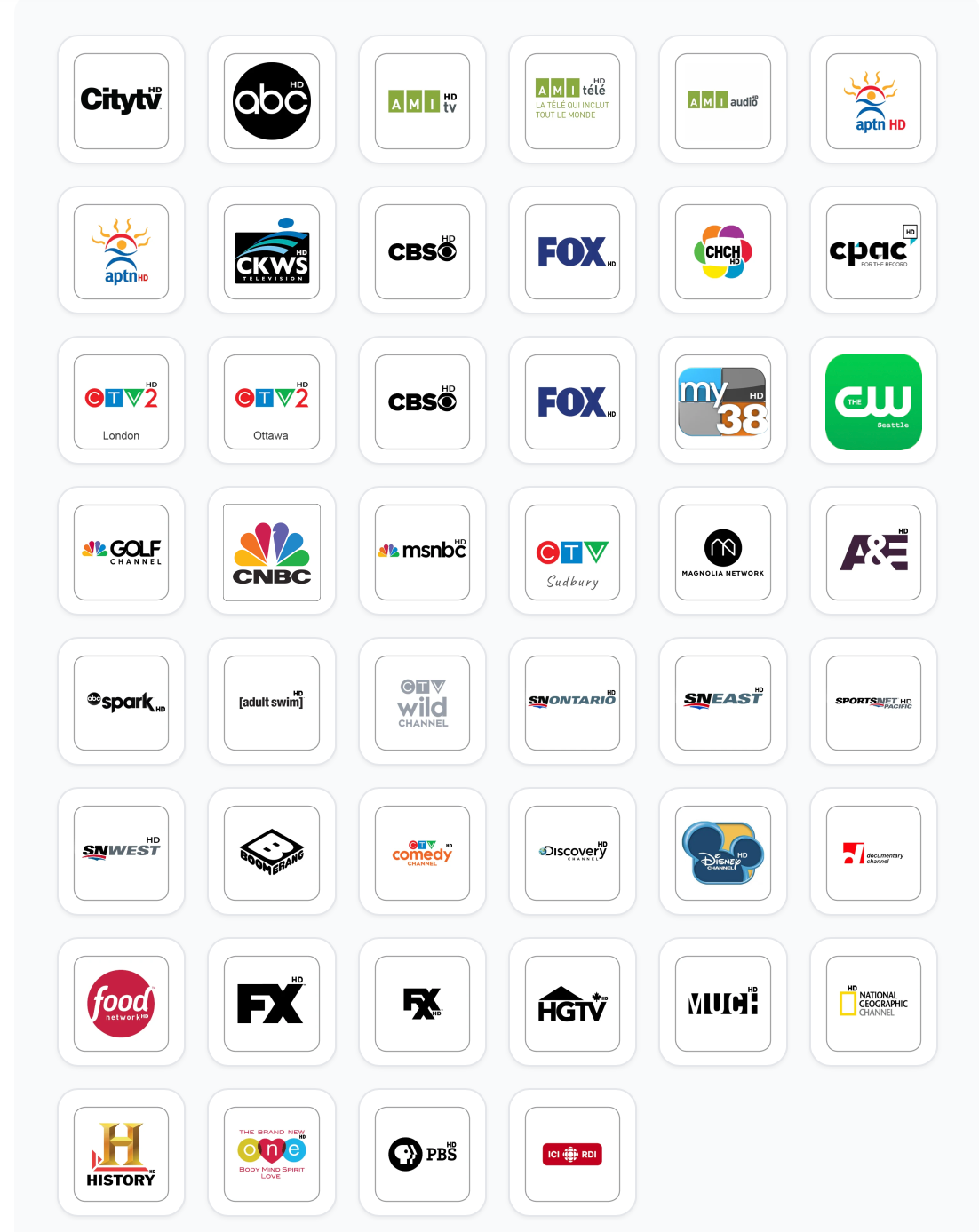
Compare channel lineups and choose with confidence.
Get helpful support for setup and service questions.
Explore three CloudStar TV and streaming packages created for different viewing preferences, household needs and monthly budgets. Compare the available channel lineups and choose the option that works for your home.
with CloudStar Internet
Pair your TV and streaming package with a CloudStar internet plan for browsing, working, gaming and everyday entertainment. Compare your options and find services that fit the way your household connects.

Get answers about CloudStar TV packages, channel options, service requirements, installation and availability across Alberta and Canada.
TV & Streaming Skinny provides a simpler starting option. Loaded offers a broader mix of entertainment, while Fully-Loaded provides the most comprehensive available channel selection. Review the current package details before ordering.
Each package includes a different channel selection and may have its own service or equipment requirements. Open the individual package page to review its current lineup and included features.
The main difference is the number and variety of channels available. Skinny focuses on essential viewing, Loaded provides a broader selection, and Fully-Loaded offers the most extensive entertainment lineup.
Service availability may depend on your address, internet connection and selected package. Enter your location or contact CloudStar to confirm the options available for your Alberta home.
CloudStar TV and streaming availability may vary by province, address and service requirements. Check your location before ordering to confirm which packages are currently available.
Some CloudStar TV and streaming services may require a compatible internet connection and approved equipment. The requirements for your selected package will be confirmed before activation.
Available combinations depend on your location, account and selected services. Review the package details or contact CloudStar to confirm which options can be added to your account.
Multi-TV availability may depend on your package, equipment and number of supported connections. Review the product details to confirm the available setup for your home.
Sports, news, lifestyle and family entertainment may be available depending on the selected package. Check the current channel lineup to confirm specific channels before ordering.
Prices, promotions and channel availability may change over time. Review the current package details, billing terms and channel lineup before completing your order.
Choose the package that best fits your household, review its details and continue through the ordering process. You can also contact CloudStar if you need help comparing the available options.